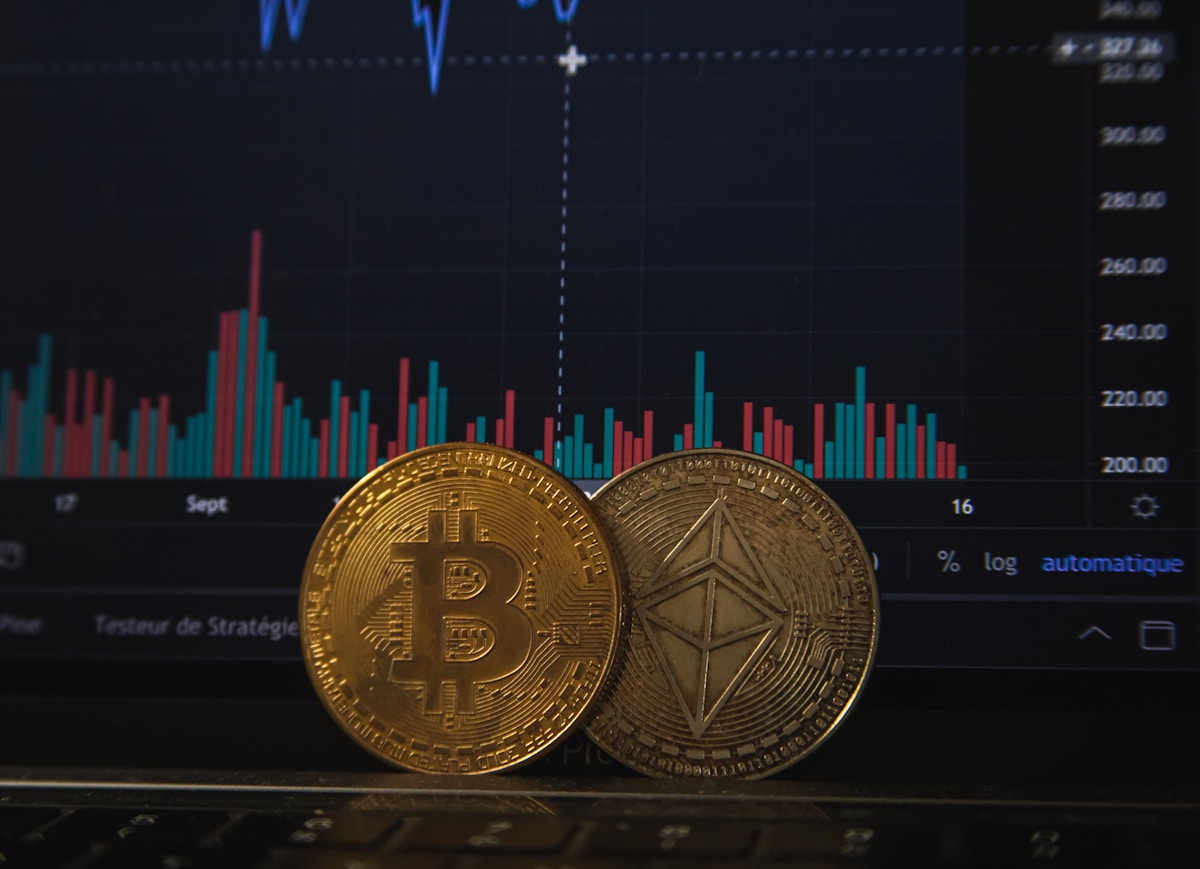
Binance is the world’s largest cryptocurrency exchange by trading volume — processing over $6 billion daily across its global platform. In the United States, Binance.US operates as a separate, fully regulated entity under FinCEN as a Money Services Business, compliant with all applicable federal and state laws.
For US investors, Binance.US offers the lowest spot trading fees among major American exchanges (starting at just 0.10%) and one of the widest altcoin selections — over 150 cryptocurrencies including Bitcoin, Ethereum, Solana, and emerging tokens. Whether you’re buying your first Bitcoin or actively trading altcoins, this guide walks you through the entire registration process, from sign-up to your first trade.
Before You Start: Binance.US Requirements and Availability
State Restrictions
Binance.US is not available in every state. As of 2026, residents of the following states cannot use Binance.US:
- New York (BitLicense restrictions)
- Texas (regulatory requirements not met)
- Louisiana (state-level restrictions)
- Hawaii (money transmitter requirements)
- Idaho (regulatory framework)
- Vermont (state-specific regulations)
If you live in one of these states, Coinbase, Kraken, or Gemini are your best alternatives — all three are available in all 50 states.
What You’ll Need
- Government-issued photo ID: US driver’s license, state ID card, or US passport. Must be valid and not expired.
- Social Security Number (SSN): Required for identity verification under the USA PATRIOT Act. Binance.US uses this to verify your identity, not for credit checks.
- Smartphone or computer with a camera: For the facial verification selfie during KYC.
- US bank account: For ACH deposits and withdrawals. Binance.US uses Plaid to connect to most major US banks (Chase, Bank of America, Wells Fargo, Citi, US Bank, and thousands of credit unions).
- Email address: Must be accessible for account verification and security alerts.
US Regulation: What Binance.US Means for American Users
Binance.US is a separate legal entity from the global Binance.com platform, operated by BAM Trading Services and registered with FinCEN as a Money Services Business. This means:
- USD deposits are held at US-based FDIC-member banks, providing pass-through FDIC insurance up to $250,000 for your cash balance.
- All trading activity is reported to the IRS via Form 1099-DA starting in 2026.
- Binance.US complies with all OFAC sanctions and AML/KYC requirements, meaning your identity must be verified before you can trade or withdraw.
- Crypto holdings are not FDIC insured — same as every other exchange. For large holdings, use a hardware wallet.
Step-by-Step: Registering on Binance.US
Step 1: Create Your Account
Navigate to Binance.US and click “Get Started.” Enter your email address and create a strong password — use at least 12 characters with a mix of uppercase, lowercase, numbers, and symbols. Do not reuse a password from any other site.
You’ll receive a verification email within seconds. Click the link to confirm your email address. If it doesn’t arrive, check your spam folder.
Pro tip: Use a dedicated email address for financial accounts. If your social media email gets compromised, you don’t want it to also unlock your crypto exchange account.
Step 2: Complete Identity Verification (KYC)
This is the most important step — and the one where most users hit friction. Here’s how to get approved on your first attempt:
- Select “Verify Identity” from your account dashboard.
- Enter your personal information: full legal name, date of birth, SSN, and residential address. This must match your government ID exactly — a nickname or abbreviated name will cause a rejection.
- Upload your ID: Take a clear, well-lit photo of your driver’s license, state ID, or passport. Hold it against a dark, solid background. Ensure all four corners are visible and there’s no glare on the photo or text. Blurry or cropped images are the #1 cause of KYC rejections.
- Complete facial verification: Binance.US will prompt you to take a short video selfie — typically turning your head left and right. Do this in good lighting, without hats or sunglasses.
- Wait for approval: Most verifications complete within 5–30 minutes. During high-traffic periods (market rallies, new coin listings), it may take up to 24 hours.
If you’re rejected, don’t panic. Common fixes: re-upload with better lighting, ensure your name matches your ID letter-for-letter, or contact support with a clear photo of your ID for manual review.
Step 3: Secure Your Account
Before depositing a single dollar, lock down your account:
- Enable 2FA with an authenticator app: Go to Security → Two-Factor Authentication and select “Google Authenticator” or “Authy.” Scan the QR code and save the backup key in a secure location. Do NOT use SMS 2FA — it’s vulnerable to SIM-swap attacks.
- Set up an anti-phishing code: In Security settings, create a unique code word or phrase. Every legitimate Binance.US email will include this code. If an email claiming to be from Binance.US doesn’t have your code, it’s a phishing attempt — delete it immediately.
- Enable withdrawal whitelist: Under Security → Withdrawal Address Management, add the wallet addresses you plan to withdraw to (like your hardware wallet). Enable “Whitelist Only” so that funds can only be sent to your pre-approved addresses. Even if someone compromises your account, they can’t withdraw to their own wallet.
These three steps take 10 minutes and dramatically reduce your attack surface.
Step 4: Deposit Funds
Binance.US supports several deposit methods for US customers:
| Method | Speed | Fees | Best For |
|---|---|---|---|
| ACH bank transfer | 1–3 business days | Free | Most users |
| Wire transfer | Same day (business hours) | Bank fees may apply ($15–$30) | Large deposits ($10,000+) |
| Debit card | Instant | 3.5% | Small, urgent purchases (not recommended) |
| P2P trading | Varies | 0% from seller | Buying USDT directly from other users |
ACH via Plaid is the standard method for most US users. Binance.US partners with Plaid to securely connect your bank account. You’ll log in through Plaid’s interface (Binance.US never sees your bank credentials), select your account, and authorize the connection. Once linked, you can deposit USD with a few clicks.
P2P trading deserves a special mention: it’s a peer-to-peer marketplace where you buy USDT directly from other Binance.US users — often at zero fees. Sellers list their offers with payment methods (Zelle, bank transfer, etc.). You pick an offer, send payment directly to the seller through the agreed method, and Binance.US holds the USDT in escrow until the seller confirms receipt. It’s especially useful for users who want to avoid the 1–3 day ACH waiting period.
Step 5: Make Your First Trade
Once your deposit clears:
- Navigate to Trade → Spot in the main menu.
- Select a trading pair — for your first trade, BTC/USD or ETH/USD are the most liquid options.
- Choose your order type:
- Market order: Buys immediately at the current market price. Simplest option for beginners.
- Limit order: Sets a specific price you’re willing to pay. The order fills only if the market reaches that price.
- Enter the amount in USD (you can buy fractional amounts — for example, $50 worth of Bitcoin).
- Review the order details (price, amount, fees) and click Buy.
The crypto appears in your Binance.US wallet immediately for market orders.
Up to 400 USDC | Complete tasks to unlock rewards
Sign up through the campaign link → verify your identity → meet the deposit and trading requirements shown on the campaign page, then complete any remaining eligible tasks. Eligibility, claiming steps and first-come, first-served availability are subject to the official campaign rules. Signing up alone does not guarantee 400 USDC.
⚠️ This content is for informational purposes only, not financial advice. Crypto investing involves risk. Always do your own research (DYOR). Rewards and campaign terms are subject to Binance’s official announcements.
After Your First Purchase: Next Steps
- Verify your crypto arrived: Go to Wallet → Overview and confirm your balance is correct.
- Enable recurring buys: If you plan to dollar-cost average (DCA), set up automatic recurring purchases — daily, weekly, or monthly. This removes emotion from the equation and smooths out volatility.
- Explore Binance.US Earn: Stake eligible assets (ETH, SOL, ADA, and others) to earn passive yield. Rates vary by asset and lock-up period but typically range from 2%–8% APY.
- Move large holdings to cold storage: If your Binance.US balance represents serious money to you, withdraw it to a hardware wallet (Ledger, Trezor) for long-term security. Exchanges are for trading; hardware wallets are for holding.
Common Registration Problems and Solutions
- KYC rejected due to “unclear photo”: Retake in natural daylight, flat surface, no glare. Ensure the photo isn’t cropped too tightly — leave some border around the ID.
- “We can’t verify your identity”: Double-check that your name, DOB, and address on Binance.US match your ID exactly. A middle name on your ID but not on the form will cause a mismatch.
- Bank connection fails with Plaid: Some smaller banks and credit unions don’t support Plaid. Try manually entering your routing and account numbers, or use a different bank account.
- State not supported: If you’re in NY, TX, LA, HI, ID, or VT, Binance.US won’t work. Use Coinbase or Kraken instead.
- Two-factor authentication codes not working: Ensure your phone’s time is set to automatic (network-provided time). TOTP codes depend on accurate time synchronization.
Bottom Line
Registering on Binance.US in 2026 is a straightforward, well-documented process that takes about 15–30 minutes from start to finish — assuming you have your ID, SSN, and bank information ready. The platform offers the lowest fees among major US exchanges, a deep altcoin selection, and features like P2P trading and passive income through Binance.US Earn.
The most important actions happen after registration: enabling authenticator-based 2FA, setting an anti-phishing code, whitelisting withdrawal addresses, and moving large holdings to a hardware wallet. The registration is just the door. How you secure what’s on the other side determines whether you stay in the game.
🔥 Also on Bybit
Bybit is a top-3 global exchange. Sign up with code 7LMZ0G for trading fee discounts!
Sign Up on Bybit →⚠️ Crypto investing involves risk. Always do your own research (DYOR).